How to Make a Flyer for Your Business in Minutes
Promoting a new product or service takes clear communication. A well-designed flyer can help attract potential customers. It can announce offers, promote events, or introduce services.
You don’t need advanced design skills to create one. Learning how to make a flyer for your business is easier with online design tools. You can choose a template, customize its content, and share it within minutes.
What Is a Business Flyer and Why Do Businesses Still Use Them?
A business flyer is a promotional design. It shares important information about a business, product, or offer. Businesses distribute flyers digitally and through printed copies.
Common uses include:
- Announcing new products or services
- Promoting discounts and seasonal offers
- Advertising store openings and local events
- Sharing contact details and business locations
- Promoting workshops, classes, and special occasions
Flyers also support digital marketing campaigns. Businesses can share them through email and social media.
Research supports the value of connecting print and digital marketing. JICMAIL’s Q1 2026 report found that 9.4% of mail prompted website visits. It also reported online fulfilment for 56% of mail-driven purchases. These figures cover mail generally, not flyers specifically.
How to Make a Flyer for Your Business in 5 Simple Steps
Creating a business flyer doesn’t require complicated software. Follow these five steps to prepare one.
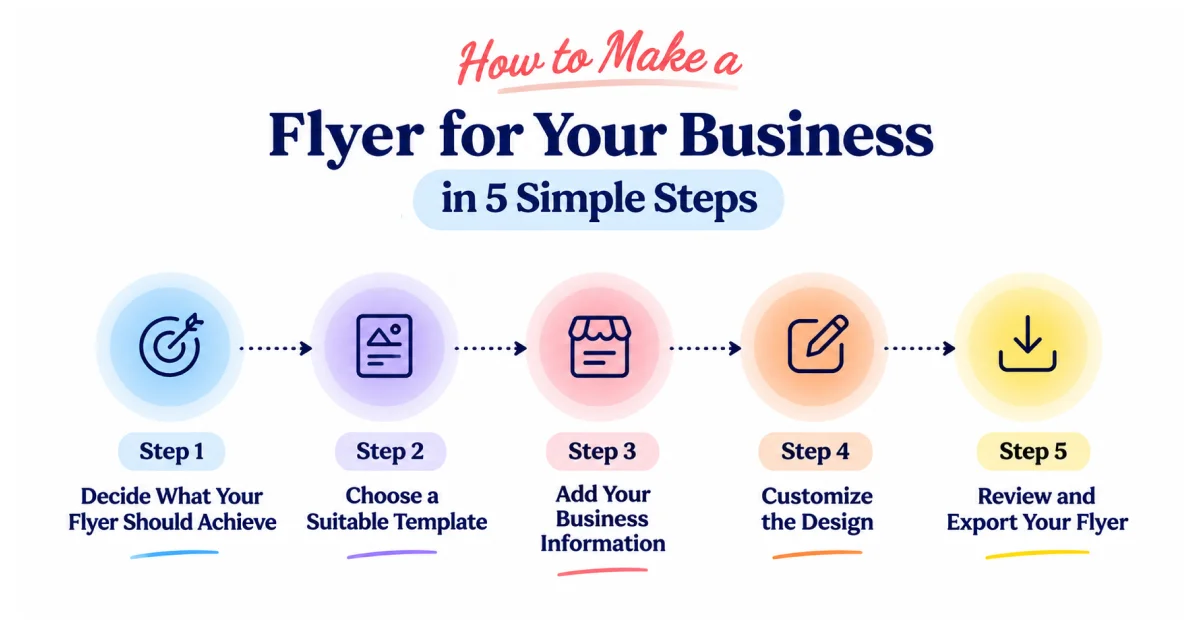
1. Decide What Your Flyer Should Achieve
Start by identifying your main promotional goal. Do you want more bookings or store visits? Perhaps you want to promote a limited-time discount. Your goal determines the message and design. Keep one main objective throughout the flyer.
2. Choose a Suitable Template
Select a layout that matches your business. Restaurants may prefer food-focused designs. Service providers may need cleaner layouts. Business flyer templates can help you start faster. Choose one with enough space for your information.
3. Add Your Business Information
Include details customers need before taking action. These usually include:
- Business name and logo
- Main headline and promotional offer
- Product or service details
- Phone number, website, or address
- Social media handles, if relevant
- A clear call to action
Avoid adding unnecessary information. Keep the message focused and readable.
4. Customize the Design
Use your brand colors and readable fonts. Add relevant photographs or product images. Keep important information easy to find. If you’re learning how to design a flyer for a business, prioritize clarity. A simple layout often communicates faster than crowded graphics.
5. Review and Export Your Flyer
Check spelling, prices, dates, and contact details. Make sure the text remains readable at different sizes. Choose a suitable export format. Use high-resolution PDF files for printing. PNG or JPEG files work well for digital sharing.
What Should a Professional Business Flyer Include?
A flyer needs more than attractive graphics. Every element should support your promotional message.
Here are the essential elements:
| Element | What to include |
|---|---|
| Headline | A short, attention-grabbing message |
| Offer | Your product, service, or promotion |
| Visuals | Relevant photos or illustrations |
| Branding | Logo, colors, and business identity |
| Contact details | Website, phone number, or address |
| Call to action | Book now, call today, or visit us |
Effective professional flyer design balances visuals and information. For example, a salon could promote a 20% discount. Its headline might read, “Refresh Your Look This Weekend.”
The flyer could then show services and booking details. A clear booking link helps customers respond.
How to Choose the Right Flyer Design, Size, and Format
Your flyer dimensions depend on its intended use. Printed flyers need suitable physical dimensions. Digital flyers need formats suited to their platforms.
| Flyer format | Common dimensions | Recommended use |
|---|---|---|
| US Letter | 8.5 × 11 inches | General business promotions |
| A4 | 210 × 297 mm | Menus, notices, and advertisements |
| A5 | 148 × 210 mm | Handouts and local promotions |
| Square | 1080 × 1080 px | Social media posts |
| Vertical story | 1080 × 1920 px | Stories and mobile promotions |
For printing, 300 DPI is a common target. Confirm bleed and file requirements with your printer.
For digital sharing, check platform dimensions before exporting. Use PNG or JPEG for convenient sharing.
How to Make Your Business Flyer More Effective
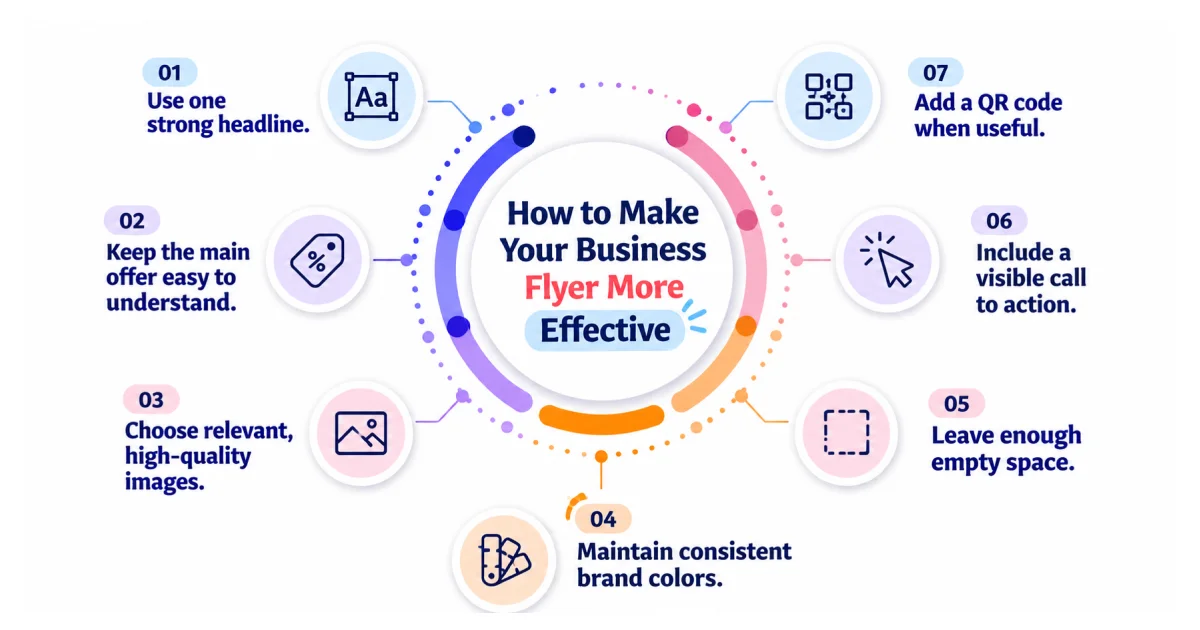
A good flyer should encourage a specific action. These practical tips can improve its effectiveness.
- Use one strong headline.
- Keep the main offer easy to understand.
- Choose relevant, high-quality images.
- Maintain consistent brand colors.
- Leave enough empty space.
- Include a visible call to action.
- Add a QR code when useful.
These easy flyer design ideas can improve readability. They also help customers understand your offer quickly. Test different headlines or promotional messages. For example, a restaurant could compare two discount offers. Each version should use a separate QR code.
Track scans, website visits, calls, and bookings. This helps identify which design performs better.
The USPS also recommends setting measurable goals. Its direct mail guidance discusses testing and response tracking.
Want to prepare a flyer for your next campaign?
Why Poster App Lab Can Help You Create Business Flyers
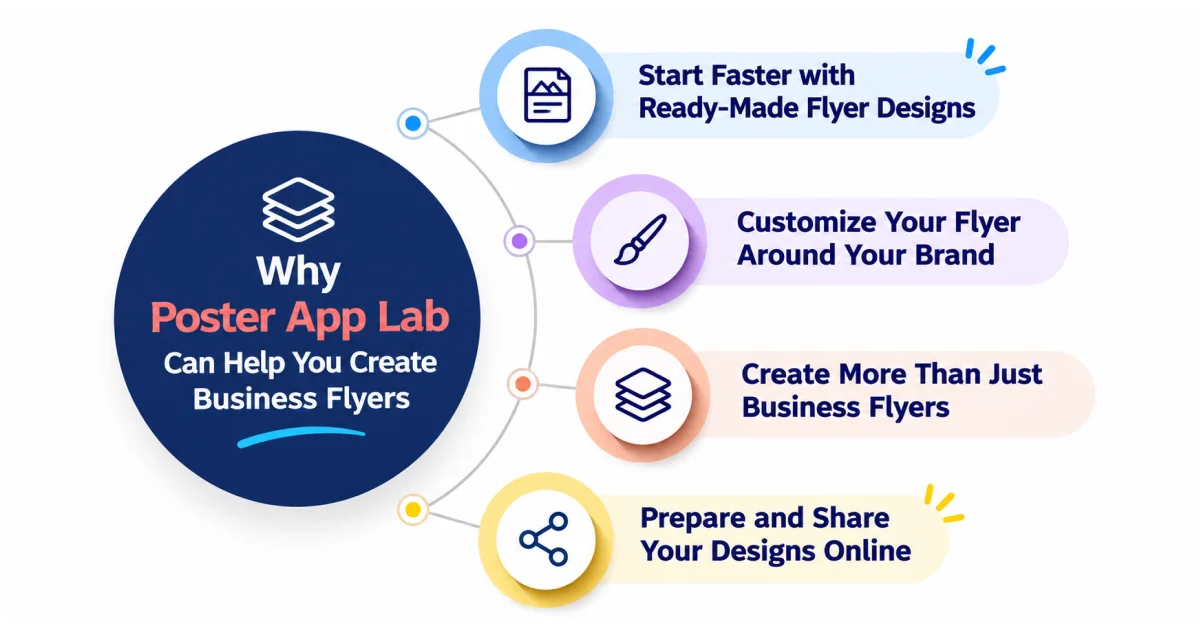
Poster App Lab helps simplify everyday design tasks. You can prepare promotional graphics without complex design software.
Start Faster with Ready-Made Flyer Designs
Choose a layout that suits your campaign. Ready-made designs reduce the time spent arranging elements. You can focus on your message and offer.
Customize Your Flyer Around Your Brand
Adjust text, colors, images, and other design elements. Keep your promotional materials aligned with your brand identity. This makes repeated campaigns easier to prepare.
Create More Than Just Business Flyers
Use the platform for different promotional requirements. Prepare posters, social media graphics, and other marketing materials. This supports multiple business communication needs.
Prepare and Share Your Designs Online
You can create a business flyer online without starting from scratch. Customize the design and prepare it for your preferred channel.
Whether you run a local shop or startup, simple tools save time. Poster App Lab helps make everyday promotional design more manageable.
Key Takeaways
- Start with one clear promotional objective.
- Choose a template suited to your business.
- Keep headlines short and readable.
- Include essential business and contact details.
- Select dimensions based on the sharing platform.
- Review your design before exporting.
- Track responses to measure campaign performance.
Conclusion
Learning how to make a flyer for your business doesn’t require professional design training. Start with a clear message and suitable template. Then customize the layout and share your finished design.
Poster App Lab helps businesses create professional promotional graphics, marketing posters, social media creatives, and branded designs. It simplifies graphic creation, helping businesses produce engaging visuals without advanced design skills.
Ready to turn your business idea into a flyer?
FAQs
1. How can I make a flyer for my business for free?
Use a free business flyer maker with ready-made templates. Customize the text, images, and colors before exporting.
2. What is the best free business flyer maker?
Choose a tool with editable templates and simple controls. Poster App Lab is one option for creating promotional designs.
3. Can I create a business flyer without design skills?
Yes. An online flyer maker lets you customize existing layouts. You can change text, colors, and images easily.
4. What information should a business flyer include?
Include your business name, offer, and contact details. Add relevant visuals and one clear call to action.
5. How much does it cost to design a business flyer?
Costs depend on the tool and design requirements. Online templates can reduce the need for professional design services.
6. How do I make a business flyer attractive?
Use a strong headline and relevant images. Keep the layout simple and highlight your main offer.
7. Can I use AI to create a business flyer?
Yes. AI tools can help generate design ideas and promotional copy. Review the output before publishing your flyer.
8. How can I create promotional flyers for social media?
Creating promotional flyers for social media starts with choosing the right dimensions. Use square or vertical layouts based on the platform. Keep text readable on mobile screens.