7 Best Canva Alternatives for Creating Posters and Social Media Graphics
Creating professional posters and social media graphics requires more than attractive templates. Many creators also need flexible editing tools, platform-specific dimensions, brand customization, and affordable downloads. Choosing the right design platform can reduce production time and simplify content creation. Here are seven Canva alternatives worth considering for different creative needs.
Why Are Creators Looking for Canva Alternatives?
The growing demand for visual content has increased the need for accessible graphic design tools. Creators want platforms that support multiple formats without requiring advanced design skills or expensive software.
According to DataReportal’s Digital 2026 Mid-Year Global Update, social media user identities reached 5.79 billion in April 2026, representing 69.9% of the global population. The report also recorded 294 million additional user identities over 12 months.
This growth creates opportunities for businesses, marketers, and content creators to reach wider audiences through visual content. However, creating separate designs for Instagram, Facebook, YouTube, and print materials can consume considerable time.
The right design platform should simplify this process through ready-made templates, editing tools, and flexible export options. Before choosing one, compare the following Canva alternatives based on their features and intended use.
7 Best Canva Alternatives for Posters and Social Media Graphics
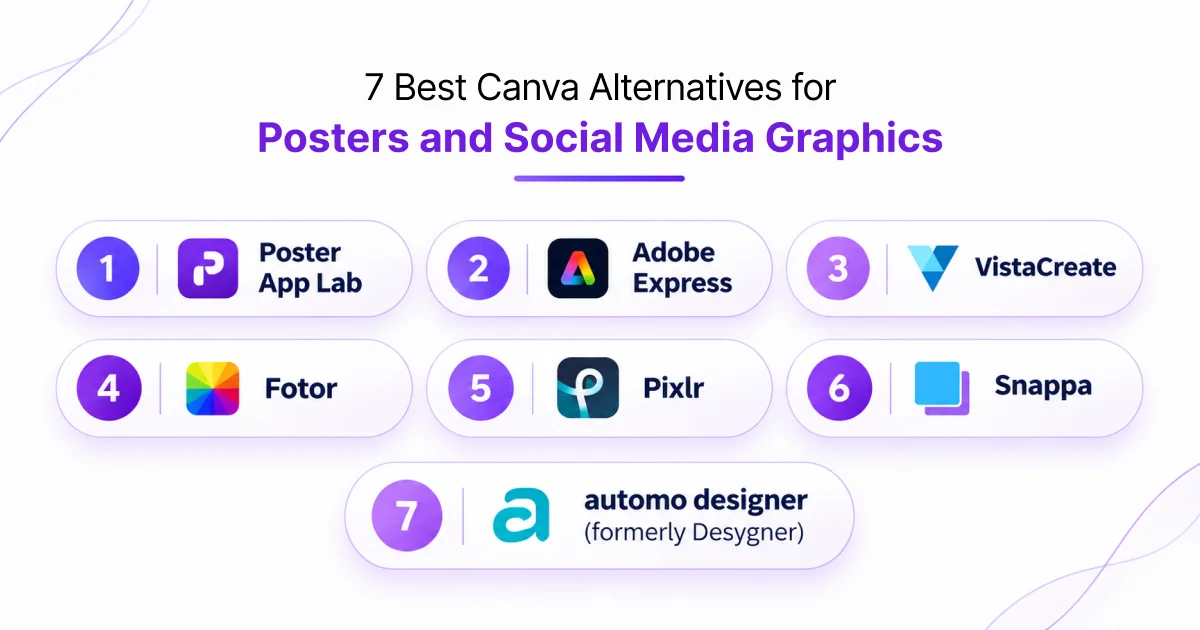
The best design tool depends on your creative requirements, budget, and preferred output formats. Some platforms focus on ready-made templates, while others offer advanced photo editing, AI design generation, or print-ready exports.
Here are seven platforms to evaluate.
1. Poster App Lab
Best for poster templates and social media designs.
Poster App Lab is an online graphic design platform for creating posters, flyers, and social media graphics. It offers a collection of professionally designed templates for different creative requirements.
The platform highlights AI-powered design generation and multiple design formats. Its homepage advertises more than 10,000 templates and free access without a credit card.
Key features:
- 10,000+ advertised design templates.
- 2,400+ poster templates.
- 1,800+ Instagram Story templates.
- AI-powered design generation.
- Design formats for Instagram, YouTube, and Facebook.
- Advertised support for automatic design resizing.
- Mobile availability for Android and iOS, plus Mac.
Technical specifications: The website lists 1080 × 1350 px for posters, 1080 × 1080 px for Instagram posts, 1080 × 1920 px for Stories, and 1280 × 720 px for YouTube thumbnails.
2. Adobe Express
Best for professional marketing and branded graphics.
Adobe Express is a design platform from Adobe. It supports posters, flyers, presentations, social media posts, and promotional graphics.
It suits users who want accessible design tools alongside Adobe’s creative ecosystem. Its templates and editing features support both personal projects and business marketing campaigns.
Key features:
- 100,000+ static and video templates in its free plan.
- 4,000+ Adobe Fonts.
- Access to over one million royalty-free Adobe Stock assets.
- Background and image editing tools.
- Social media post scheduling for one account per network.
- 5 GB cloud storage in the free plan.
3. VistaCreate
Best for social media content and marketing templates.
VistaCreate provides templates and editing tools for digital and print designs. Users can create social media posts, advertisements, invitations, flyers, and posters.
Its Starter plan supports everyday design requirements without requiring a paid subscription. This makes it useful for freelancers and small businesses managing regular marketing content.
Key features:
- 100,000+ templates in the Starter plan.
- More than one million royalty-free creative assets.
- 85 design formats.
- Photo and video editing tools.
- Brand Kit for maintaining visual consistency.
- Direct publishing to Facebook, Instagram, and Pinterest.
- Social media scheduling.
4. Fotor
Best for photo editing and AI-powered graphics.
Fotor combines photo editing, AI image generation, and graphic design features. It helps users create promotional visuals while improving existing product and marketing photographs.
The platform is useful when image enhancement and graphic creation are equally important. Users can start with a template or create a design using custom dimensions.
Key features:
- AI image generation.
- Background and object removal.
- Photo enhancement and retouching.
- Custom image resizing.
- Poster and flyer templates.
- Instagram and Facebook design templates.
- YouTube thumbnail and banner creation.
5. Pixlr
Best for detailed poster editing and print designs.
Pixlr offers browser-based photo editing and poster creation tools. It supports both template-based design and editing from a blank canvas.
Its poster maker provides typography controls, image editing, and design elements. These features help users prepare graphics for online publishing and printing.
Key features:
- 10,000+ poster templates advertised on its poster template page.
- Layer editing and blending modes.
- Text styling, spacing, and alignment controls.
- Smart resizing for different formats.
- PNG, JPG, and PDF exports.
- CMYK color profile support for print workflows.
- High-resolution poster output.
6. Snappa
Best for quick social media graphics.
Snappa focuses on simplifying graphic creation for marketers and content creators. Its template library and stock image collection help users create social media visuals without starting from scratch. It is particularly suitable for users who prioritize speed over advanced editing controls.
Key features:
- 6,000+ design templates.
- More than five million HD photos and graphics.
- Custom image dimensions.
- Custom font uploads on paid plans.
- Background removal on paid plans.
- Buffer and social media integrations.
- Team collaboration on the team plan.
7. automo designer (formerly Desygner)
Best for brand management and collaborative design
automo designer is the new name of Desygner. The platform provides tools for creating marketing materials, social media graphics, posters, and business documents.
It supports both individual creators and teams that need consistent branding across multiple design projects. Its tools also include document editing and design automation.
Key features:
- More than 21 million free templates advertised.
- AI-powered design generation.
- Social media content creation and scheduling.
- Brand Kits for logos, fonts, and colors.
- One-click design resizing.
- PDF editing and document management.
- Team collaboration and shared assets.
How to Choose the Right Canva Alternative
Choosing among the Canva alternatives for graphic design requires comparing more than template availability. Your ideal platform should match your content requirements, publishing frequency, editing skills, and budget.
DataReportal’s 2026 Mid-Year Update also reports that 96.2% of adult internet users in larger economies use social media every month. This highlights the importance of creating graphics that work across different platforms.
Consider these factors before selecting a tool:
| Selection factor | What to evaluate |
|---|---|
| Template library | Number and variety of editable templates |
| Editing tools | Layers, fonts, filters, and image adjustments |
| Social media formats | Instagram, Facebook, LinkedIn, and YouTube dimensions |
| AI capabilities | AI image generation and background removal |
| Export options | PNG, JPG, PDF, and high-resolution output |
| Brand customization | Custom fonts, logos, and brand colors |
| Pricing | Free downloads, premium assets, and subscription costs |
For example, a freelancer creating five Instagram posts weekly may prioritize templates and quick exports. An advertising agency producing 50 promotional designs monthly may need brand kits, shared workspaces, and bulk editing.
Businesses should also evaluate whether their chosen poster maker apps support commercial usage and high-resolution exports.
Free vs. Paid Canva Alternatives: Which Should You Choose?
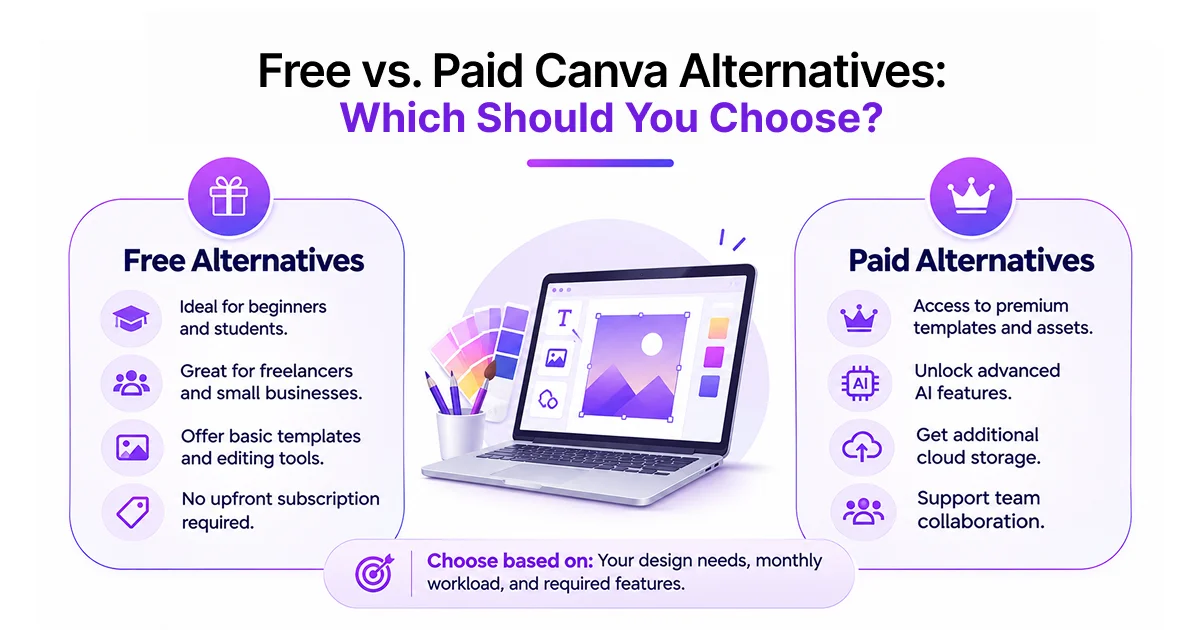
Both free and paid design platforms can support professional content creation. The right option depends on your monthly design volume and the features your projects require.
Free Canva alternatives are suitable for beginners, students, freelancers, and small businesses. They provide access to basic templates and editing tools without requiring an immediate subscription.
Paid plans become useful when you need premium assets, advanced AI features, additional storage, or team collaboration.
Consider this comparison:
| Requirement | Free plans | Paid plans |
|---|---|---|
| Templates | Basic and selected templates | Larger premium libraries |
| Stock images | Limited or selected assets | Expanded asset collections |
| Editing tools | Essential editing | Advanced editing features |
| Brand kits | Limited availability | More customization |
| Downloads | Monthly or feature limits may apply | Higher or unlimited limits |
| Collaboration | Basic sharing | Advanced team features |
Before subscribing, calculate your expected monthly usage.
For instance, if you create 20 graphics monthly, check whether the free plan allows enough downloads. If your team creates 100 designs, compare subscription limits and collaboration features.
An affordable subscription is not always the cheapest option. Consider the time saved and the number of designs you can produce.
Which Canva Alternative Is Best for Different Design Needs?
Different platforms serve different creative requirements. Here is a quick recommendation based on common use cases.
| Design requirement | Recommended platform |
|---|---|
| Poster and social media templates | Poster App Lab |
| Professional marketing graphics | Adobe Express |
| Social media content creation | VistaCreate |
| Photo editing and AI images | Fotor |
| Detailed poster editing | Pixlr |
| Quick social media graphics | Snappa |
| Team branding and collaboration | automo designer |
Conclusion
The right Canva alternatives depend on your design requirements, budget, and publishing goals. Poster App Lab, Adobe Express, VistaCreate, Fotor, Pixlr, Snappa, and automo designer offer different approaches to poster creation and social media graphics.
Poster App Lab helps businesses, creators, and marketers simplify poster creation and social media design. Its platform offers 10,000+ templates, AI-powered design features, and multiple creative formats for promotional graphics, Instagram posts, flyers, and YouTube thumbnails. Whether you are creating marketing materials or regular social media content, Poster App Lab provides accessible design resources for different creative needs.
FAQs
1. What are the best Canva alternatives for creating posters?
Poster App Lab, Adobe Express, VistaCreate, Fotor, Pixlr, Snappa, and automo designer are useful options for creating posters and promotional graphics.
2. Which Canva alternatives are free to use?
Poster App Lab, Adobe Express, VistaCreate, Pixlr, Snappa, and other platforms offer free access or free plans. Some features have usage limits.
3. Are Canva alternatives suitable for beginners?
Yes. Most offer ready-made templates, drag-and-drop editing, and simple customization tools. Beginners can create graphics without professional design experience.
4. What features should a poster design tool offer?
Look for editable templates, custom dimensions, typography controls, image editing, background removal, and high-resolution PNG or PDF exports.
5. Can I create social media graphics without design skills?
Yes. Template-based design platforms let you replace images, edit text, adjust colors, and customize layouts without advanced design knowledge.