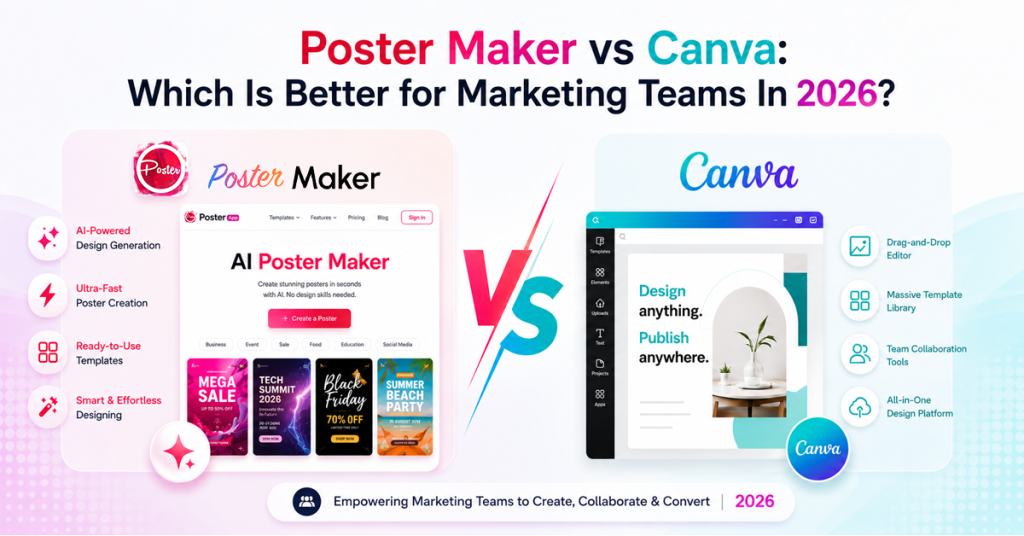
AI Poster Maker vs Canva: Which Is Better for Marketing Teams In 2026?
Nearly 75% of marketers now use AI to create visual media like images and video, making it one of their top five AI use cases. Posters sit right in the middle of that shift. When a campaign needs one promo in twelve variations by Monday, an AI Poster Maker does it in minutes, which is why more teams now weigh a dedicated tool against Canva for poster work
What Is an AI Poster Maker?
An AI Poster Maker builds marketing posters from ready-made templates, smart layouts, as well as automatic adjustments. These templates require less manual fiddling; therefore, the user can focus more on the message. A blank canvas gives you freedom you don't need on a deadline, while a launch template gives you a starting point you can ship. Among the best AI poster makers in 2026, the tools gaining more popularity are the ones built on template automation because they maintain brand consistency and save team time.
AI Poster Maker vs Canva
The honest AI Poster Maker vs Canva answer is that they are built for different jobs. Canva is a full design suite, and a strong one. It generates layouts from a prompt, applies your brand kit automatically, and can even batch out variants from a spreadsheet. If you design across decks, docs, video, and social, it earns its place.
The catch is that it is a comprehensive tool and needs a lot of time and its AI runs on monthly credit limits, so heavy use means watching a meter or upgrading. A dedicated AI Poster Maker does one job: it gets a finished poster out fast, with almost nothing to learn.
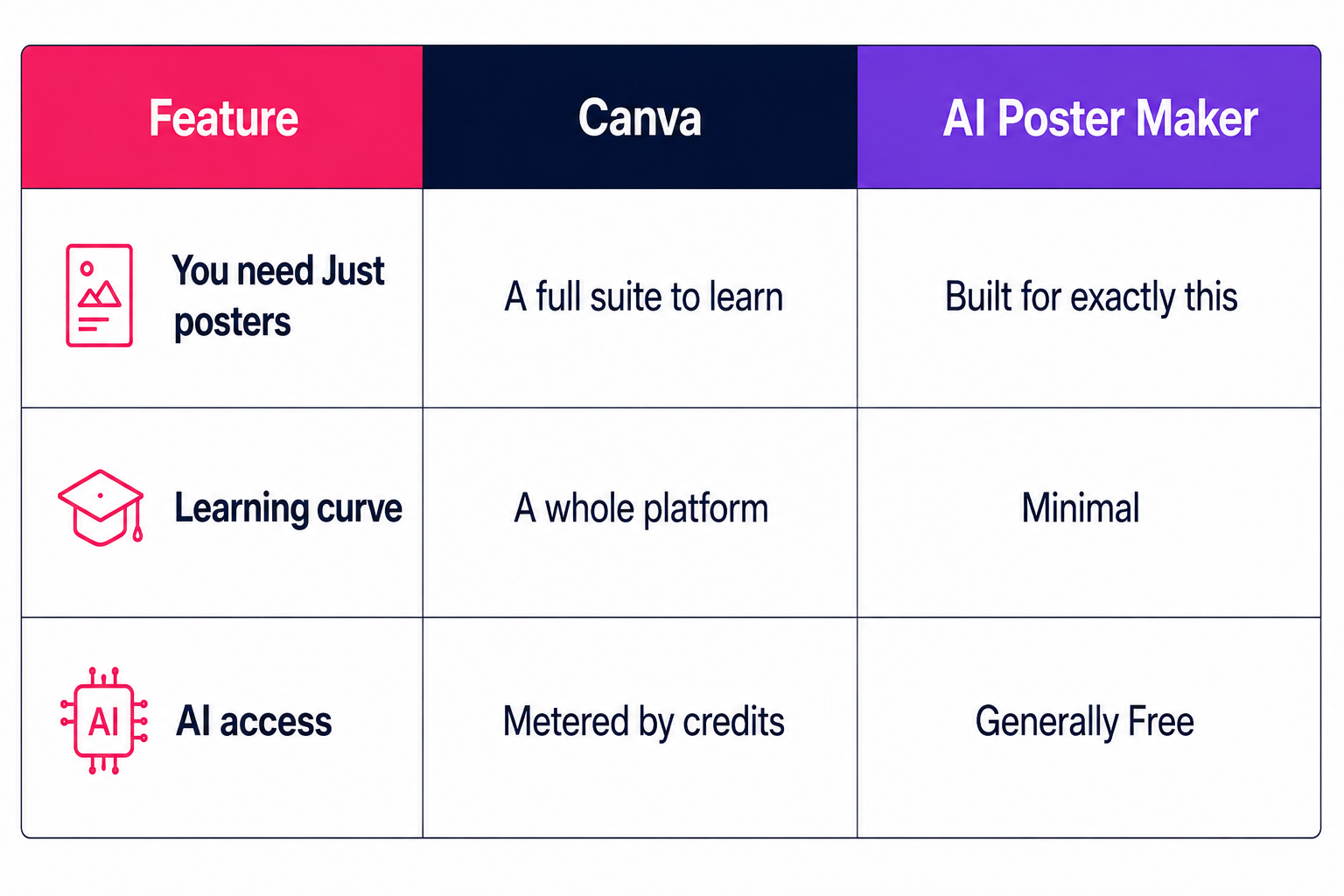 Neither is strictly better.
Want one tool for everything? Canva wins.
Want posters out the door with no overhead? A focused tool is the cleaner pick.
How Poster App Lab Speeds Up Design
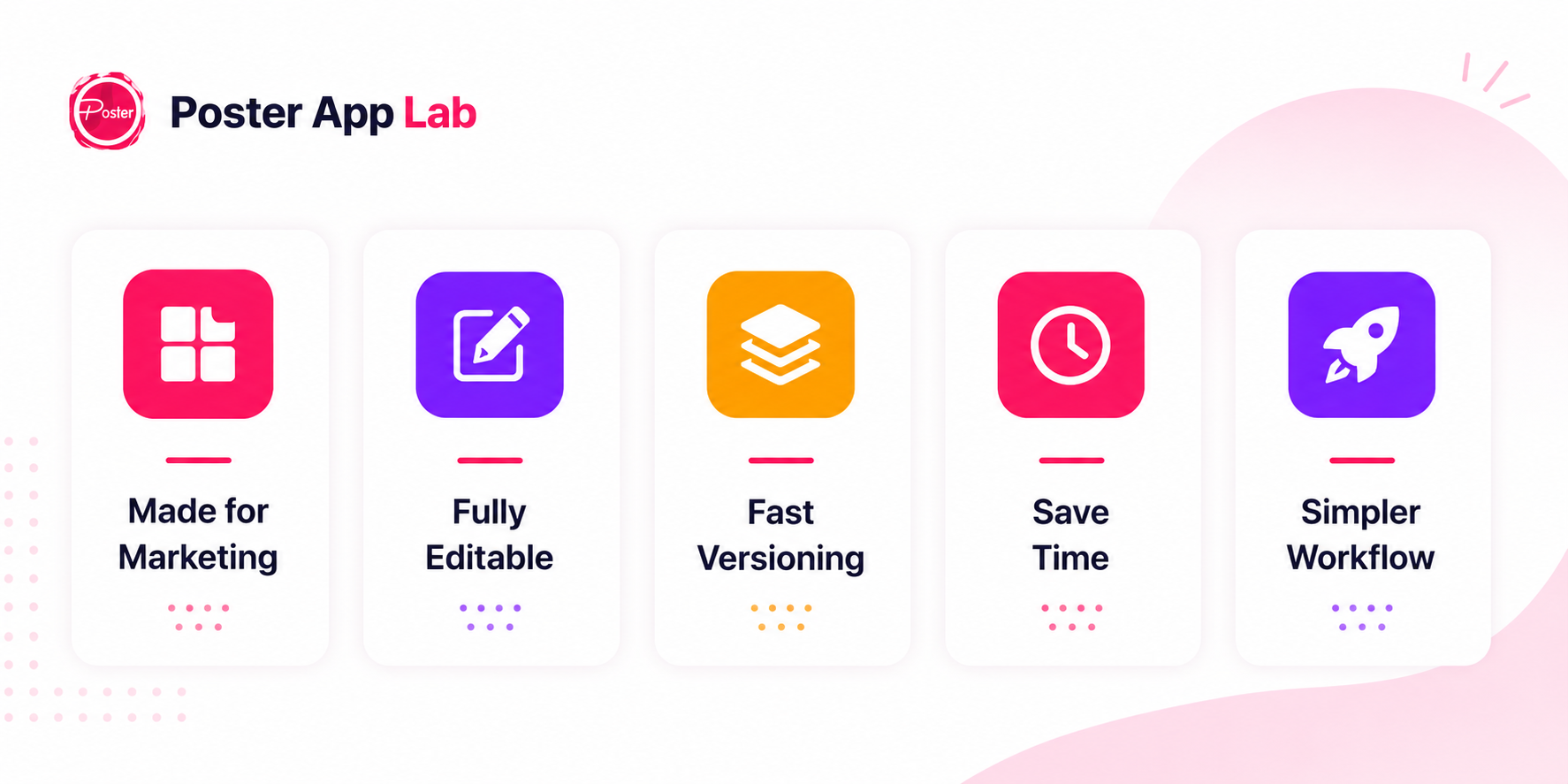
Poster App Lab is built around templates made for social campaigns, product promotions, events, and ads. Each offers a marketing-ready structure, fully editable text, images, and branding, plus fast versioning. This allows you to create multiple versions in the same amount of time it takes to brief a designer. That is what makes it simpler than opening a full suite for one poster.
How to Create Posters With AI
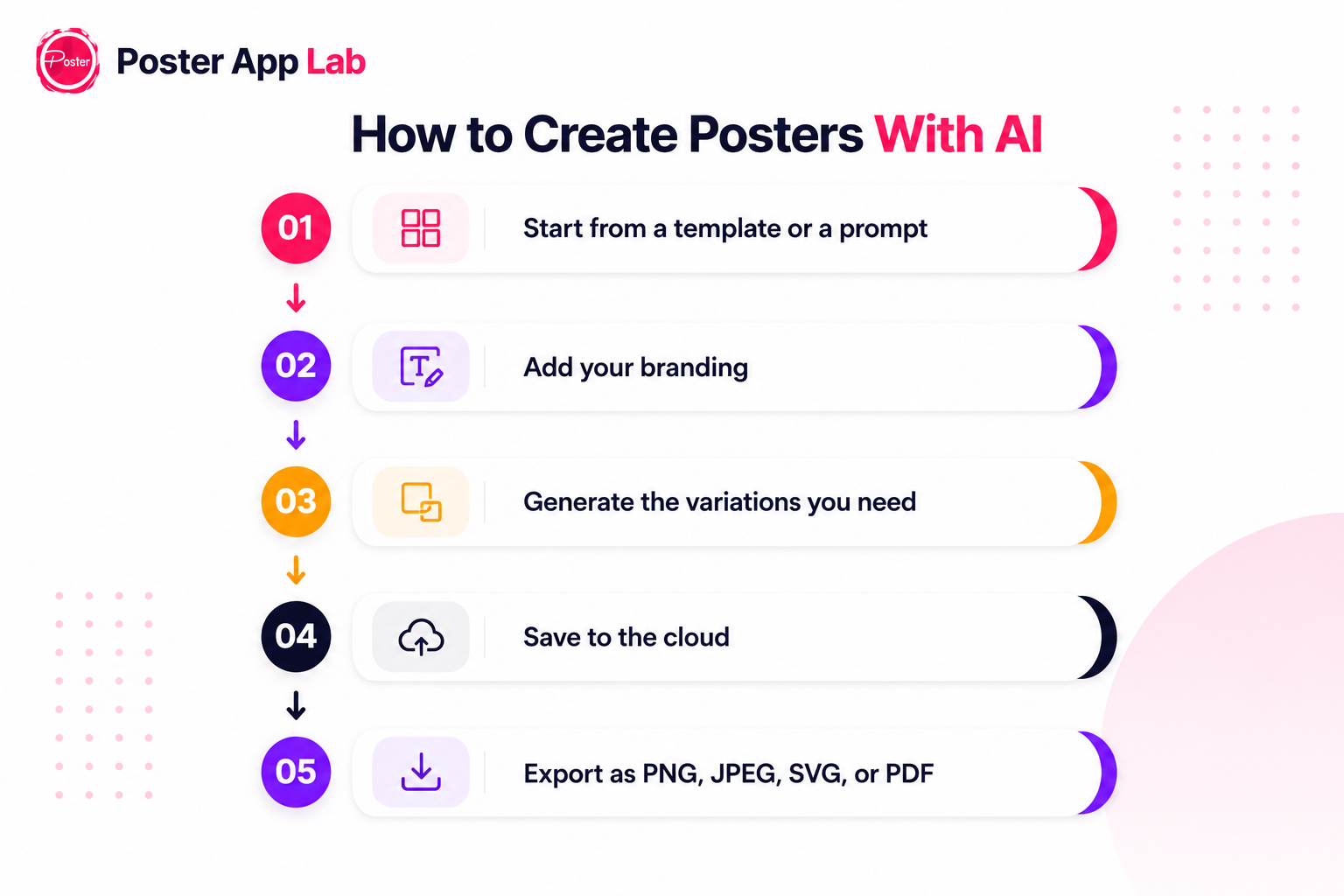
Creating posters with AI is straightforward:
- Start from a template or a prompt
- Add your branding
- Generate the variations you need
- Save to the cloud
- Export as PNG, JPEG, SVG, or PDF
No design background needed, so the person running the campaign can make the assets.
Free, Online, and Built for Campaigns
Looking for an AI poster generator free of charge? It's a fair way to test automated design first, though free tiers usually cap templates, exports, or customization. An online AI poster maker helps teams work together: it's browser-based, nothing to install, and designs are saved to the cloud and easy to share.
For real campaigns, an x` earns its keep with ad-ready output, consistent branding, and faster A/B testing, since making the variants is the easy part. This is where an AI Poster Maker like Poster App Lab fits.
The Final Verdict
Marketing teams are measured on what they ship, not the tool they ship it with: the sale graphic that goes live on time, the promo ready before the campaign launches, the steady stream of posters a content calendar demands. Canva can do all of it. But when posters are most of your week, a dedicated AI Poster Maker gets there with less to learn and less to manage. Poster App Lab takes your team from brief to finished poster in minutes. Start with a template and ship today.